


Home Office Lighting: Beating Glare, Eye Strain and Bad Video Calls

Most home offices run on one ceiling fixture and a laptop screen. That gives you around 100 to 150 lux on the desk, a hard shadow across the keyboard from directly overhead, and top-down face light on every call. It is the most common setup there is, and it is wrong in three ways at once.
Light should reach your desk from the side — never from behind your screen, never straight down from overhead — and the working surface needs roughly 500 lux, about three times what a living room runs at. Fix those two things and the squinting, the glare streak and the four o'clock headache mostly stop.
Why a lamp behind the monitor is the worst place for it
Your eye sets its exposure for the brightest thing in view. Park a lamp behind your screen so the bulb faces you and your pupils close down for the lamp, leaving the screen murky by comparison. You push screen brightness up to compensate and the gap widens again. That constant re-adaptation is what people call eye strain.
The number worth knowing: the surfaces immediately around your monitor should sit within about a 3:1 brightness ratio of the screen, and the wider room within roughly 10:1. A bare bulb behind the display blows past 40:1 without trying.
The side-lighting rule, applied
Side means genuinely to the side: the head roughly level with or slightly above your eye line, 12 to 18 inches in from the edge of the desk, throwing light across the surface rather than down onto it. Aim it at the paper, keyboard or book — not at the wall, not at your face, and never into the monitor.

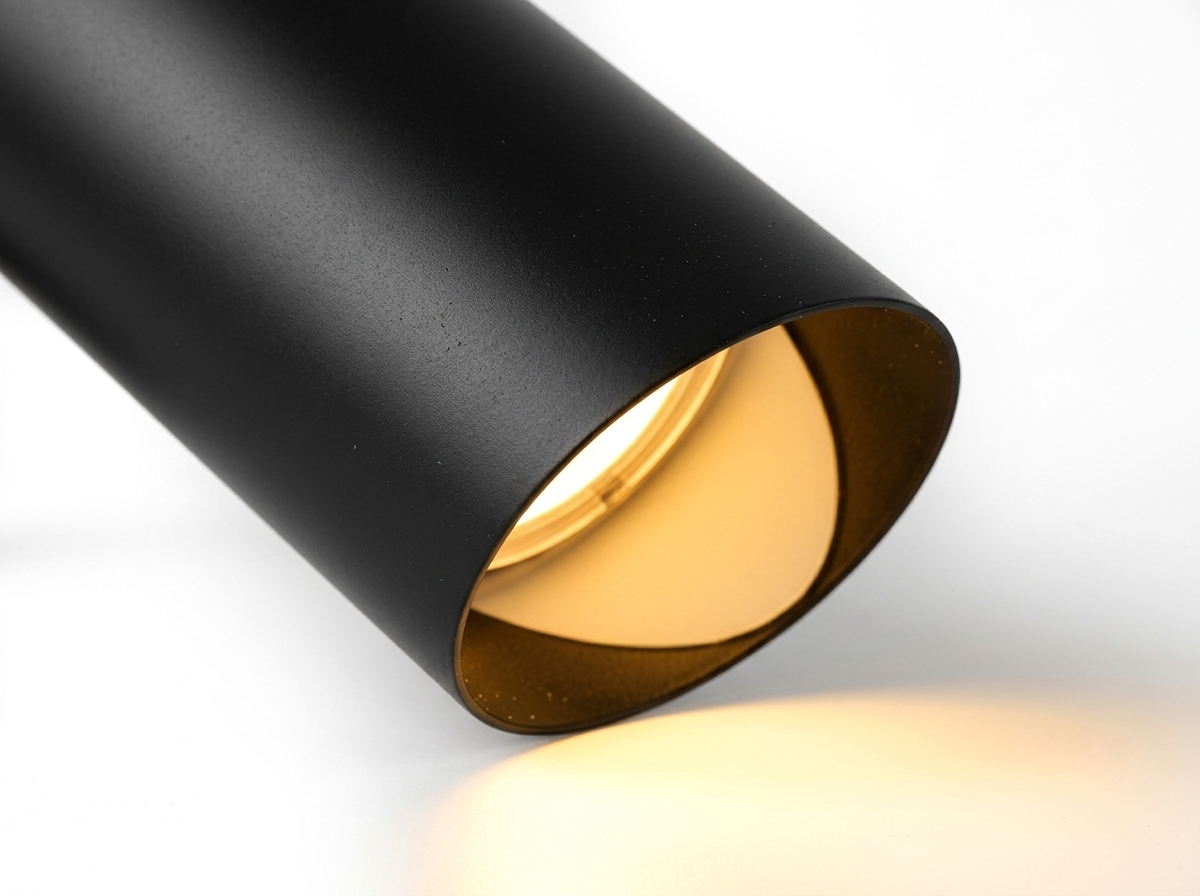
Elio — aims light exactly where you point it
The gooseneck is the point: a deep cone shade on a bendable stem lets you drop the source below eye level and angle it across the desk, so nothing reaches the monitor. Deep shades also cut the sideways spill that glares on a glossy screen.
From $110.92 $144.99
Shop Elio500 lux at the surface — what that means in practice
Living rooms sit at 100 to 200 lux. General office space is specified around 300. Detailed desk work — small type, editing, anything on paper — wants 500 at the surface, and handwork wants 750. Phone light-meter apps get within about 15 percent, close enough to tell you whether you are at 150 or 500.
In practice that means a lamp in the 600 to 1,000 lumen range with the head 15 to 20 inches above the desk. Halving the distance quadruples the light, so a lamp that seems weak usually just needs lowering.

Halo — height and reach you can actually adjust
Getting to 500 lux is mostly geometry, and this adjusts on both axes, so you can bring the head down over the working area instead of leaving it hovering at shade height. The wide diffused head spreads the pool rather than punching a hot spot into the desk.
From $145.34 $189.99
Shop Halo4000K while you work, 3000K after dark
4000K is the right daytime number for a desk: neutral, alert, close enough to daylight that it does not fight the window. 5000K and above reads clinical in a room with warm walls and wood. Once the sun is down, drop to 3000K so the room stops feeling like an operating theatre at nine in the evening. Our color temperature guide has the full breakdown by room.

Ivo — one lamp that covers both ends of the day
Adjustable colour temperature is the feature that matters most in a room used from nine in the morning to nine at night. Run it neutral for daytime work, warm it down for evening reading, and never live with the wrong light half the day.
From $122.39 $159.99
Shop Ivo
Fenn — the cheapest way to fix the second light source
Ambient light behind the monitor is the other half of the contrast problem, and it need not be a big fixture. The C-shaped head throws sideways rather than forward, which is what you want at the back of the desk.
From $62.72 $81.99
Shop FennWhich side? Opposite your writing hand
Right-handed, the lamp goes on your left. Left-handed, on your right. Otherwise your forearm casts a shadow over whatever you are writing on and you spend the day working inside your own silhouette. This still applies if you mostly type — the moment you sign something or annotate a printout, the shadow is back.

Heron — rotates 360 degrees, so either side works
Useful if two people share the desk, or the layout changes. The head turns a full circle, so the same lamp lights from the left or the right without being moved, and the diffused panel keeps the source out of your peripheral vision.
From $211.90 $276.99
Shop HeronThe video-call setup: 45 degrees, in front, never a window behind
Camera light follows different rules than desk light. Your face needs a source in front of you, roughly 45 degrees off to one side and 20 to 30 degrees above eye level. That angle keeps the face looking three-dimensional without the dark eye sockets an overhead fixture produces.
The bigger error is a window behind you. The camera meters for the brightest area in frame, exposes for the window, and turns you into a silhouette. Turn 90 degrees so the window sits beside you and use it as your key light; if it must stay behind you, close the blind.

Juno — dial the level down before you go on camera
Face light wants to be softer than task light, and stepless touch dimming lets you drop it mid-call without a hard jump. The diffusing glass column spreads the source over a wider area, which is what stops a lamp carving a hard edge down one side of your face.
From $166.00 $216.99
Shop JunoScreen bars and asymmetric lamps
If your desk is too shallow for a lamp beside the monitor — under about 24 inches deep — use a fixture with an asymmetric beam. Screen bars clamp to the top of the monitor and throw light forward and down onto the desk while shielding the panel completely, adding task light without adding a reflection. Asymmetric desk lamps do the same from a base. Neither adds much ambient light, so pair one with a small second source behind the screen.

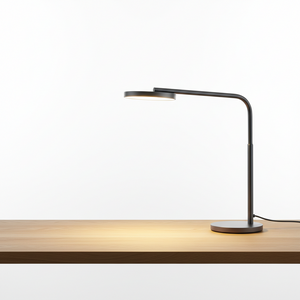
Marlo — a slim head for a shallow desk
The flat horizontal head sits low and pushes light forward across the surface rather than radiating in all directions — the behaviour you want when the lamp has to live close to the monitor. Full dimming lets you match it to the screen rather than overpower it.
From $143.05 $186.99
Shop MarloThe cheat sheet
- 500 lux at the desk for detailed work, 300 for general tasks, 750 for handwork.
- Lamp to the side: head 15 to 20 inches above the desk, 12 to 18 inches in from the edge.
- Opposite your writing hand — left lamp for right-handers.
- Nothing bright behind the monitor; keep the surround within 3:1 of screen brightness.
- 4000K by day, 3000K after sunset. Skip anything above 5000K.
- For video, light in front at 45 degrees horizontally, 20 to 30 degrees above eye level.
- Never a window behind you on camera — turn 90 degrees and use it as a side light.
Frequently asked questions
How bright should a desk lamp be for a home office?
Aim for 500 lux at the desk surface — in practice a lamp in the 600 to 1,000 lumen range, 15 to 20 inches above the work area. Lowering the head does more than buying a bigger bulb.
Should a desk lamp be on the left or the right?
Opposite your dominant hand: left for right-handers, right for left-handers, so your writing hand is not shadowing the page.
What colour temperature is best for working from home?
4000K for daytime focus, 3000K in the evening. An adjustable lamp covers both without you owning two fixtures.
Why do I look bad on video calls?
Almost always because the light is behind you or directly overhead. Move your key light in front of your face at about 45 degrees and keep windows out of the frame behind you.
The Bottom Line
Glare and eye strain are geometry problems, not brightness problems. Put the light to the side at around 500 lux, keep it out of the monitor, run 4000K by day and 3000K at night, and add a front source at 45 degrees for calls. One well-chosen lamp handles three of those four.